
Good Shopify product page SEO does not begin with a keyword density target. It begins with a shopper who needs enough accurate information to choose. Collection page SEO has a different job: define a useful category, make its products discoverable, and help the shopper narrow the field.
When those two page types are treated as interchangeable, stores often end up with repetitive titles, thin collection pages, and product descriptions written for a phrase instead of a person. This guide shows how to optimize both page types without keyword stuffing or unsupported search promises.
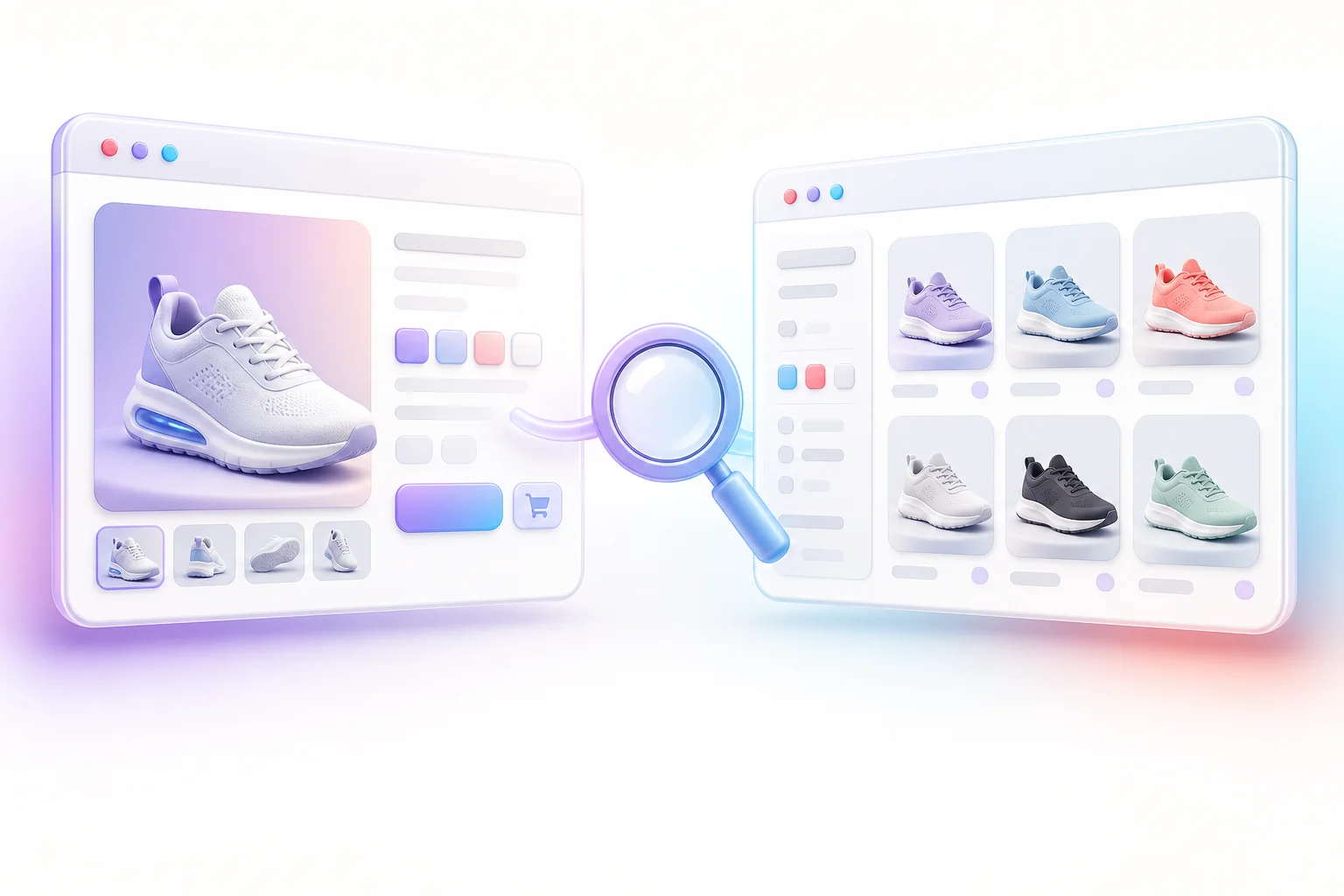
Start by separating the jobs of products and collections
A product page should satisfy a specific intent: someone is evaluating a particular item, model, size, material, or configuration. A collection page usually addresses a broader need, such as “waterproof hiking boots” or “ceramic pour-over coffee makers,” and helps a shopper compare appropriate products.
Assigning a clear job to each URL reduces self-competition and makes the copy easier to write. Map broad category language to collections. Reserve product-specific names, model identifiers, and differentiating attributes for product pages. If two collections contain the same products and serve the same intent, change their purpose, consolidate them, or accept that one may not need to be a search landing page.
Use customer language as research, not a script
Build a vocabulary from sources close to the customer: storefront search terms, support questions, product reviews, sales conversations, and Google Search Console queries. Sort the language into product type, audience, use case, material, problem, compatibility, and decision criteria. Then verify that each phrase truthfully describes the page.
You do not need to include every variation. Search systems can understand related language, and shoppers notice awkward repetition immediately. Google defines keyword stuffing as repeating words, phrases, or numbers unnaturally in an attempt to manipulate rankings. The practical test is simple: if a sentence would sound strange in a store associate’s answer, rewrite it.
Build a product page around purchase decisions
Write a product title that identifies, then differentiates
A useful product title usually combines the product’s proper name with the attribute a shopper needs to distinguish it. “Ridge Trail Waterproof Hiking Boot” is clearer than “Ridge Trail,” while “Best Waterproof Hiking Boots Hiking Shoes for Hiking” is repetitive and untrustworthy.
Keep merchandising labels such as “new,” “sale,” or “best seller” outside the permanent title unless they are genuinely part of the product name. Use one visible H1 for the product. Check that your theme does not create a second H1 from a promotional block or logo.
Make the first paragraph answer “Is this for me?”
Open with a compact description of the item, intended user, primary use, and meaningful difference. Avoid a generic brand manifesto at the top of every product. A shopper should be able to understand the offer before reaching a long specifications table.
Then structure the rest of the description around real questions. Depending on the product, useful sections may include:
- materials, dimensions, weight, capacity, or fit;
- what is included and what must be purchased separately;
- compatibility, installation, or care instructions;
- accurate performance characteristics and limitations;
- shipping, returns, warranty, or safety information where relevant;
- differences between variants or closely related models.
Shopify’s product editor supports rich descriptions and product-specific data through fields and metafields. Use structured product data for facts that must stay consistent across templates instead of pasting the same block into every description. If you resell a product, Shopify advises against copying the manufacturer’s exact description; write unique information for your customers and your offer.
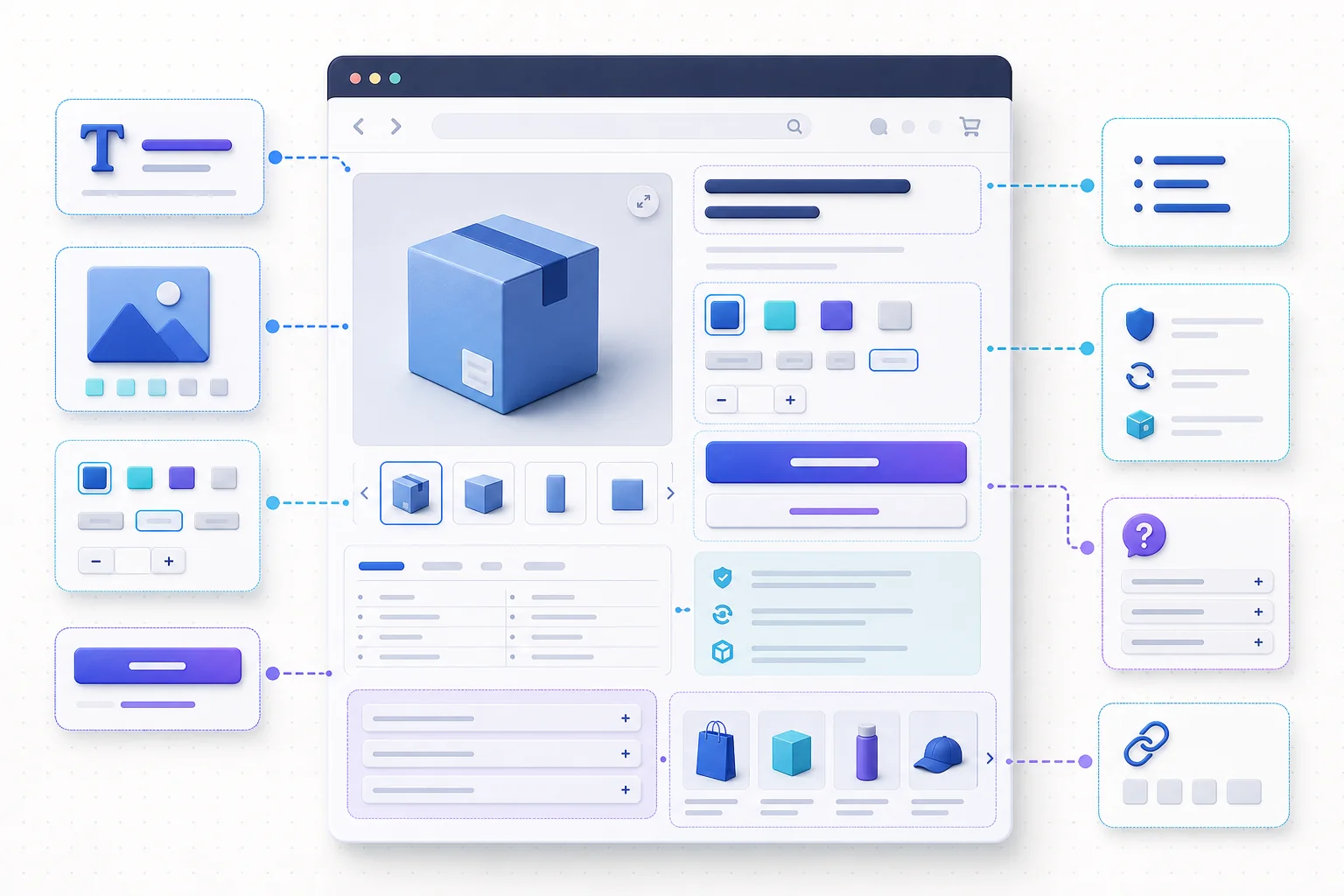
Handle variants without multiplying thin pages
Color and size options often belong on one product page. A substantially different product may deserve its own page when it has a distinct audience, search need, media set, specifications, and purchase decision. Do not create separate near-duplicate URLs merely to target every color-plus-product phrase.
When variants have distinct URLs, verify that canonical tags, internal links, product data, and the user experience agree about the preferred version. Google treats canonical declarations as signals, not commands. If a variant is valuable as a landing page, it needs genuinely distinct, accessible information; if it is not, keep your linking and canonical strategy consistent around the primary product.
Describe product images for people who cannot see them
Product photography should answer questions the copy cannot. Include the angles, details, scale, packaging, and in-use context that matter. Use descriptive file names before uploading when practical, and add concise alt text to informative images.
Describe what the specific image contributes: “Navy canvas backpack open to show padded laptop compartment” is useful. Repeating the entire product title plus every category synonym is not. Shopify recommends brief, descriptive alt text and gives 125 characters or fewer as a practical recommendation. Decorative textures and flourishes should have empty alt text so assistive technology can skip them.
Make collection pages useful before and after the grid
Name the category the way shoppers understand it
A collection H1 should define the group plainly. Internal jargon, campaign slogans, and clever names can appear in supporting copy, but they should not force shoppers to guess what the collection contains. If gender, material, activity, fit, or compatibility defines the collection, state it only when it applies to every included product.
Use the introduction as a decision aid
Two or three sentences above the grid are often enough to define the selection and explain the most important distinction. Do not push products far below a wall of SEO copy. If shoppers need a deeper buying guide, add a well-structured section below the grid or link to a dedicated guide.
Below-grid content can answer selection questions, clarify terminology, compare materials, or explain care and compatibility. It should be specific to that collection. Delete paragraphs that say only that the store offers “high-quality products at great prices,” because they neither differentiate the category nor help a decision.
Make every important product reachable through links
Google recommends linking from menus to categories and from category pages to the products you want indexed. Product cards should use crawlable links. If filters, load-more buttons, or infinite scrolling are involved, test whether products remain reachable through URLs and links that work without requiring Googlebot to perform an internal search.
Filters are valuable for shoppers, but combinations can create large numbers of similar URLs. Do not improvise canonical or robots rules across a live catalog. First inventory the URL patterns, see which ones Google discovers, and decide which filtered experiences have unique search value.
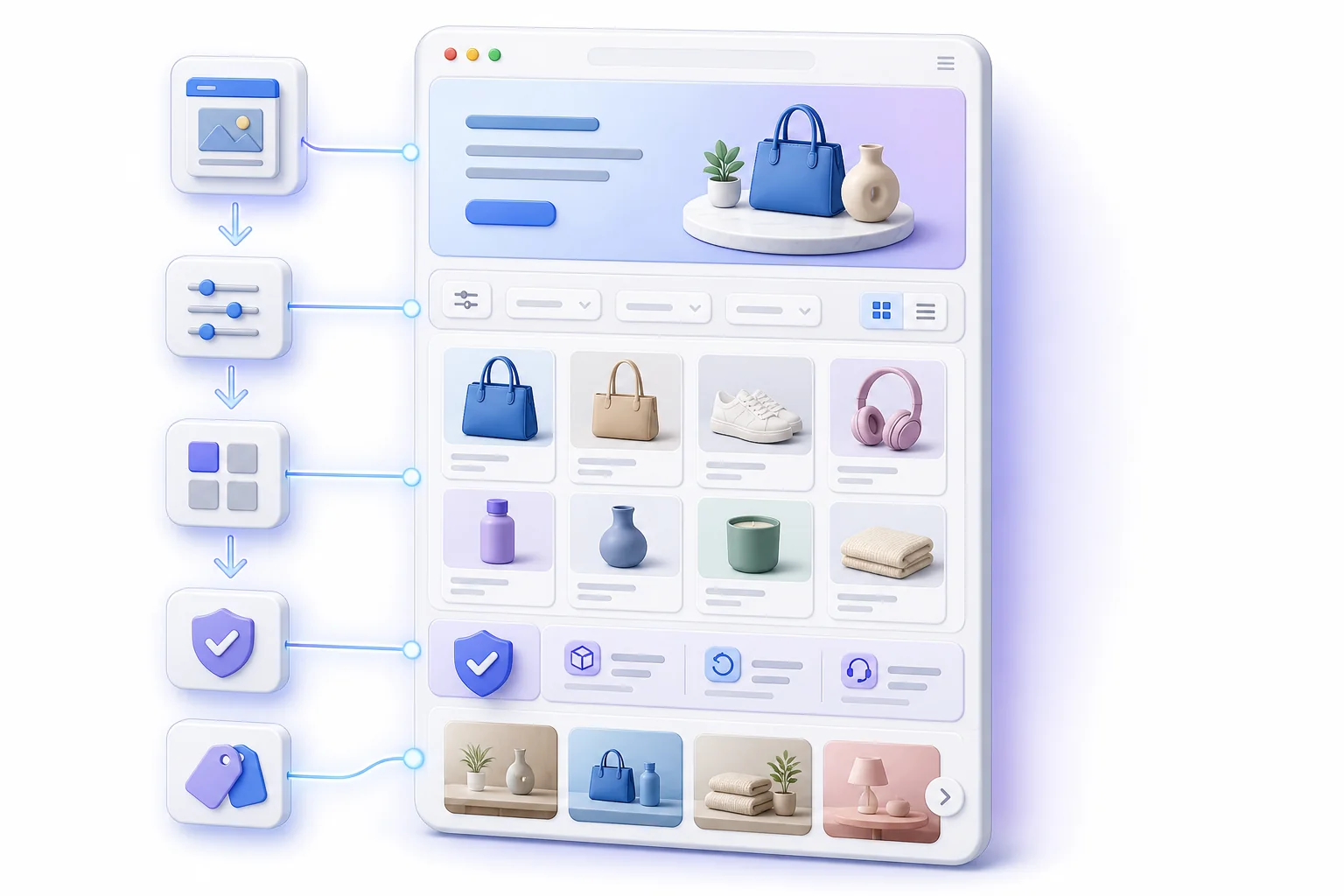
Write search previews that match the page
In Shopify’s search engine listing editor, give priority products and collections unique title tags and meta descriptions. Shopify’s current guidance suggests titles under about 60 characters and descriptions under about 160, but these are practical writing limits, not guarantees that Google will display the exact text.
Lead with meaning, not a list of variants. A product title can combine product name and defining attribute; a collection title can combine category and one useful qualifier. In the description, mention the information most likely to help a searcher choose—range, material, compatibility, shipping region, or another verified detail. Never invent urgency, discounts, free shipping, or review scores.
Keep handles stable and redirects intentional
Readable handles help people understand a URL, but changing an established handle purely to add a keyword can create more risk than value. If a URL must change, create and test a Shopify URL redirect from the broken old path to the closest relevant new destination. Update internal links so visitors do not travel through a redirect unnecessarily.
Shopify uses fixed path segments such as /products/ and /collections/. Work within that structure. Do not promise that a shorter handle will improve rankings; use stable, descriptive URLs as one part of a coherent page.
Use internal links to explain relationships
- Link a product to the collection that provides useful browsing context.
- Link between complementary products only when the relationship helps a shopper.
- Link buying guides to the relevant collection and specific products discussed.
- Link collection guidance to care, sizing, compatibility, or comparison resources.
- Use descriptive anchor text rather than “click here.”
Internal links are not decoration. They help shoppers move forward and help search engines understand site relationships. Keep the number purposeful, and avoid adding the same keyword-rich footer links to every page solely for search manipulation.
Validate structured data against the storefront
Shopify-supported themes include commerce markup, but theme customizations and apps can change the rendered result. Test a representative product with Google’s Rich Results Test. Confirm that product name, image, price, currency, availability, and variants match what a shopper can see.
Only mark up genuine reviews and ratings displayed for that product. Do not turn collection pages into a single Product entity, and do not add unsupported aggregate ratings. Multiple schema apps can produce conflicting entities, so inspect the final rendered page before adding more markup. Eligibility is not a promise that Google will show a rich result.
A no-stuffing editing pass
- Read the copy aloud and mark repeated phrases that sound mechanical.
- Replace repetition with specific facts, useful synonyms, or a clearer sentence—not another keyword variation.
- Remove claims the product data, policy, or customer evidence cannot support.
- Check that every heading helps a shopper scan the page.
- Confirm that image alt text describes images rather than restating the keyword plan.
- Compare similar products and collections; rewrite boilerplate that fails to distinguish them.
- Ask someone unfamiliar with the catalog to explain the page after a quick scan.
For example, a stuffed sentence might read: “Shop organic cotton T-shirts and organic cotton tees for the best organic cotton T-shirt style.” A useful rewrite would be: “This midweight tee uses 100% organic cotton and has a relaxed cut designed for everyday layering.” The second sentence works only if those details are true; specificity is valuable because it reduces uncertainty, not because it hides more keyword variations.
Publish, inspect, and learn
After an update, record the URL, date, intent, and fields changed. Inspect the live mobile page, test add-to-cart and variant behavior, and confirm that metadata and structured data render as expected. Watch Search Console for query relevance, impressions, clicks, canonical status, and enhancements. Pair that with onsite behavior, but avoid declaring a win or loss from a few days of data.
For a focused review of technical SEO, images, indexing, structured data, redirects, and related checks, explore Firefly Sky SEO Suite and the SEO Suite quick-start guide. If supporting blog content is part of your collection strategy, Firefly Sky SEO AI Blog is a separate app for creating, refining, reviewing, and publishing Shopify blog content. The apps maintain separate subscriptions, data, and workflows.
Explore the broader Firefly Sky product family, or keep this article as an editing checklist. The durable principle is the same: describe the product truthfully, organize the catalog clearly, and give each page a useful reason to exist.
Official references
- Shopify Help Center: SEO overview
- Shopify Help Center: Product details page
- Shopify Help Center: Collection layout and appearance
- Shopify Help Center: Adding alt text to media
- Google Search Central: Spam policies
- Google Search Central: Ecommerce site structure
- Google Search Central: Product structured data
- Google Search Central: Canonicalization