
A content calendar tells you when something will publish. An SEO content plan answers the harder questions: who the page is for, what they need to accomplish, why this page deserves to exist, where it fits in your site, and what evidence will tell you whether to improve it.
That distinction matters for Shopify merchants. Publishing a long list of loosely related keyword articles can create overlap, thin pages, and maintenance work without making the store more useful. A smaller plan built around genuine customer problems can support discovery while also helping shoppers make better decisions.
Google recommends creating content primarily for people rather than to manipulate rankings. Shopify likewise advises merchants to develop content connected to their products and to the terms customers may use to find them. Put those ideas together and the goal becomes clear: build the most useful path from a relevant question to a confident next step.

1. Start with a customer problem, not a keyword export
Keyword data can help, but it should not be the first or only source of ideas. Begin with evidence from the business: support emails, pre-purchase questions, return reasons, product reviews, sales conversations, onsite search terms, and the decisions customers repeatedly struggle to make. These inputs keep the plan close to your actual audience.
For each problem, write a one-sentence reader job:
“A first-time trail runner needs to compare sock materials so they can choose a pair for wet conditions without guessing.”
This sentence is more useful than a keyword alone. It identifies the audience, the decision, the context, and the outcome. It also gives an editor a standard for removing material that does not help the reader finish that job.
2. Match search intent to the right page type
Search intent is the goal behind a query. Shopify’s SEO guidance describes four common types: informational, navigational, transactional, and commercial investigation. Treat these as planning lenses, not rigid boxes. A query can carry more than one need, and the search results can change as language, seasonality, and customer expectations change.
| Intent | What the searcher is trying to do | Usually the best destination | Example |
|---|---|---|---|
| Informational | Learn how something works or solve a problem | Guide, tutorial, glossary, or FAQ | how to wash a wool blanket |
| Commercial investigation | Compare options before deciding | Comparison, buying guide, or detailed collection guide | wool vs cotton blanket |
| Transactional | Buy or take a concrete action | Product, collection, service, or app page | buy washable wool blanket |
| Navigational | Reach a known brand or destination | The exact brand, account, contact, or policy page | Acme blanket returns |
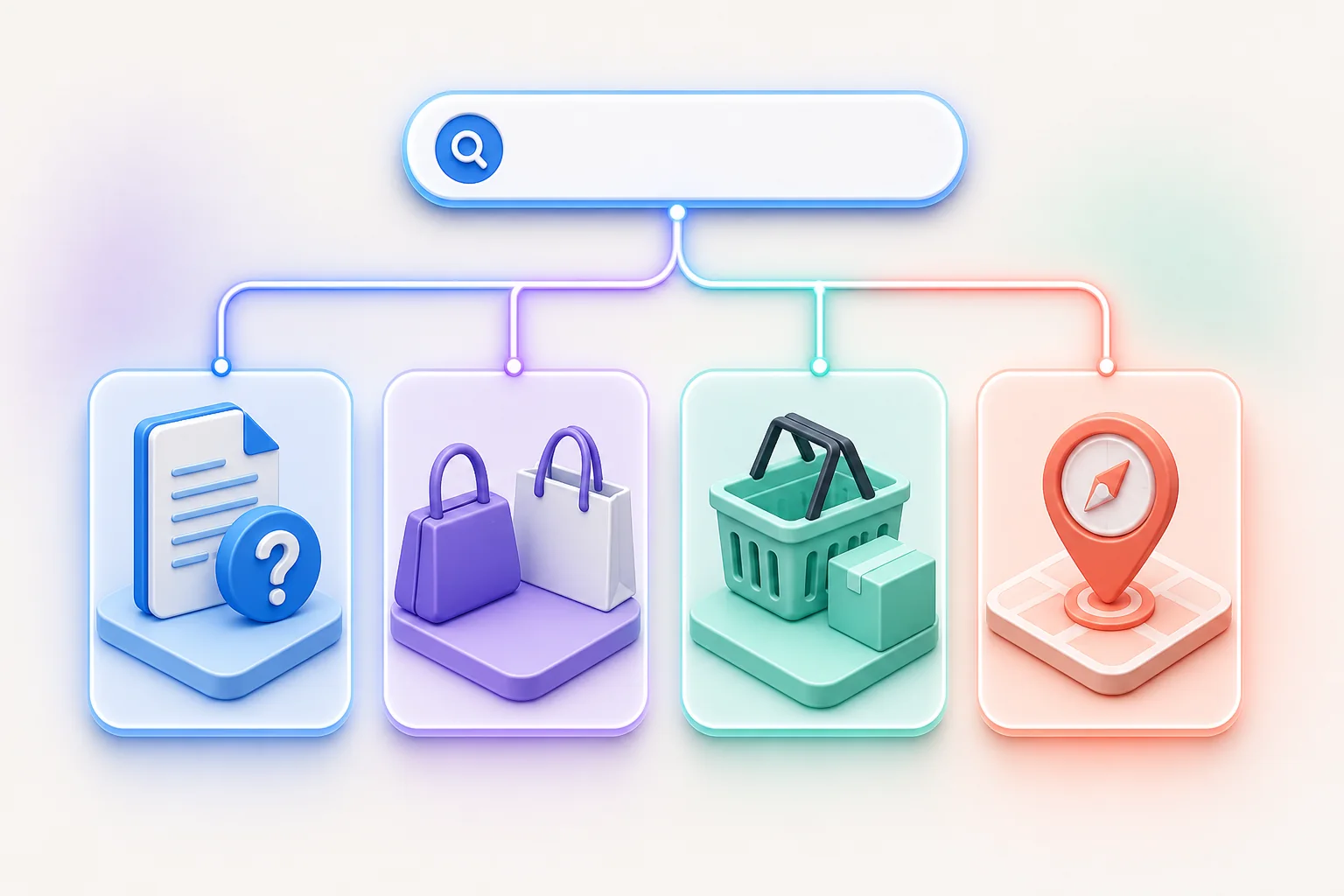
A blog post is not automatically the right answer. If a shopper is clearly trying to buy a specific product, forcing them through a 2,000-word article creates friction. Let product and collection pages do transactional work. Use articles where explanation, comparison, troubleshooting, or education genuinely helps.
3. Build topic coverage without creating a page for every phrase
People express the same need in many ways. That does not mean every wording deserves its own URL. Instead, group closely related questions by shared intent and by the answer a strong page would provide. One comprehensive guide might naturally answer “how to wash,” “how often to wash,” and “can I machine-wash” when all three belong to the same task.
Create a simple topic map with four layers:
- Core customer problem: the durable question tied to your catalog or expertise.
- Primary guide: the best complete resource for the central task.
- Supporting pages: distinct subtopics that need a different answer, format, or intent.
- Commercial destinations: relevant products, collections, tools, or policies that provide a logical next step.
Before adding a planned page, inventory what already exists. Ask whether an older post should be improved, whether two weak pages should be consolidated, or whether the query is already served by a product or collection page. New content should fill a real gap, not compete with a page you already want people to find.
Internal links should make the relationships visible. Link from supporting articles to the main guide when it helps the reader, and from educational content to a relevant commercial destination only when the next step is natural. Shopify recommends descriptive anchor text, so “compare our merino trail socks” is more informative than “click here.”
4. Turn Search Console data into planning evidence
Google Search Console’s Performance report shows queries and pages associated with impressions and clicks from Google Search. Use it as evidence about how Google currently connects your site with search demand—not as a complete keyword database or a promise of future traffic.
- Choose a date range long enough to reduce day-to-day noise, then compare it with a relevant prior period when seasonality permits.
- Open the Queries view and group related wording around customer problems rather than treating every row as a separate article.
- Select a query and switch to Pages to see which URLs Google showed for it.
- Filter pages containing
/blog/when you want to evaluate the content section separately. - Review impressions and clicks first. Use click-through rate and average position as context, not as standalone verdicts.
Look for practical patterns. A relevant query receiving impressions but few clicks may justify reviewing the title, snippet promise, ranking context, or whether the page actually satisfies the intent. Several URLs appearing for the same narrow query may indicate overlap, but it can also be reasonable when the pages serve different needs. Read the pages before deciding to merge or rewrite anything.
Remember the limits of the data. Search Console omits some anonymized queries for privacy and shows only its most important rows. Query filtering can therefore change totals. Most performance data is also credited to the canonical URL. Use the report to identify patterns and questions, not to calculate an imaginary complete market size.

5. Prioritize the backlog with four honest signals
You do not need a complicated scoring model. Review each proposed page against four signals and record the reasoning:
- Audience relevance: Is this a problem your intended customers actually have?
- Business relevance: Does your store have credible experience, products, or processes connected to it?
- Evidence: Do support conversations, onsite behavior, or Search Console data show a need?
- Distinct value: Can you add original guidance, examples, visuals, testing, or firsthand detail beyond a generic summary?
A topic can still be worth covering before it appears in Search Console. A new site has little historical data, and rare but important customer questions may never generate large impression counts. Search data informs editorial judgment; it does not replace it.
6. Turn every approved idea into a usable brief
A good brief prevents the draft from becoming a keyword-shaped collection of paragraphs. Include:
- the intended reader and the job they need to complete;
- the primary intent and the page type chosen to serve it;
- one main query theme plus closely related questions;
- the specific promise the introduction must make;
- first-party information, examples, images, or experience to include;
- official or primary sources required for factual claims;
- a logical heading outline, without prescribing filler;
- existing pages that should link to and from the article;
- the honest next step, if a product or collection is relevant; and
- an owner and trigger for future review.
Set a quality threshold, not a target word count. Google explicitly says it does not have a preferred word count. The right length is the amount needed to answer the reader’s question clearly, support important claims, and remove avoidable detours.
7. Publish, inspect, and learn without overreacting
After publishing, confirm that the page is linked from an appropriate hub or related page, included in your sitemap, accessible without a login, and not accidentally marked noindex. Search Console’s URL Inspection tool can test whether a live URL appears eligible for indexing and can request indexing, but a successful test does not guarantee inclusion or ranking.
Give the page enough time to gather meaningful evidence for your site’s normal demand. Then review:
- Are the page’s queries consistent with the intended reader job?
- Are unexpected queries revealing a useful section you should expand?
- Does another URL serve the intent better?
- Do impressions trend upward while clicks lag, suggesting a title or promise review?
- Has the underlying product, policy, or source changed?
Document substantive changes so comparisons have context. Do not change the publication date merely to make a page look fresh. Update when the answer can become more accurate, complete, or useful.
A simple operating rhythm
Keep the process sustainable. Review new customer questions continuously, select a small set of briefs on a regular editorial cadence, and reserve time to improve existing pages. A balanced month might include one foundational guide, one tightly scoped supporting article, and one evidence-led update. The exact pace matters less than publishing work your team can verify and maintain.
If you want a focused workspace for drafting and reviewing Shopify blog content, Firefly Sky SEO AI Blog is available as an independent app. It has its own subscription, data, and workflow; it is not bundled with or connected to Firefly Sky SEO Suite. Whatever tool you use, the editorial decision and final approval should remain human.
Official sources and further reading
- Google Search Central: Creating helpful, reliable, people-first content
- Google Search Console: Performance report common tasks and use cases
- Google Search Console: Performance report dimensions and data groupings
- Google Search Console: URL Inspection tool
- Shopify Help Center: SEO overview
- Shopify Help Center: Optimizing site structure for search engines
- Shopify Help Center: Create a content marketing strategy