
A Shopify storefront can make one product or collection useful in several contexts. A shopper may arrive from a collection, select a variant, sort a product grid, apply two filters, or click a campaign link. Those experiences can produce different URLs even when much of the visible content is similar.
That is not automatically an SEO problem. The real task is to make three things clear: which pages search engines can discover, which pages are eligible to appear in search, and which URL should represent each set of duplicates or near-duplicates. This guide shows how to make those decisions without disabling useful storefront behavior.
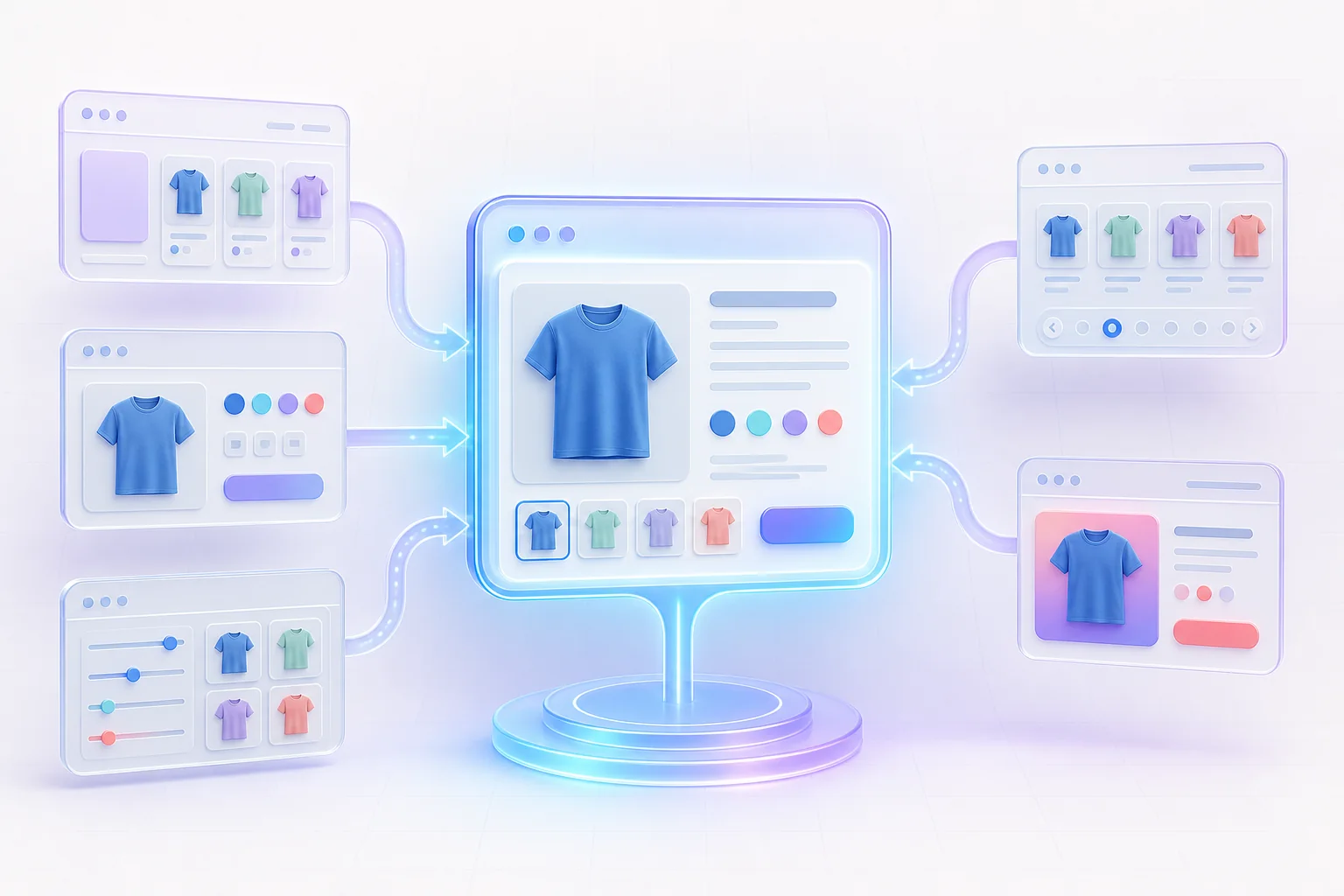
Crawlable, indexable, and canonical are different decisions
These terms are often treated as synonyms, but each answers a different question:
- Crawlable: Can Googlebot request the URL and read its response?
- Indexable: Is the response eligible to appear in search results? A crawlable page can still be excluded with a
noindexdirective. - Canonical: When several URLs contain the same or very similar content, which one should search engines treat as the representative URL?
A URL blocked in robots.txt cannot be crawled, so Google may not see a canonical tag or a noindex directive on that page. Google also states that a blocked URL can sometimes appear in search without a snippet if other pages link to it. That is why “block it in robots.txt” is not a universal solution for unwanted indexing.
Canonicalization is also a signal rather than an instruction that guarantees a particular result. Google describes redirects and rel="canonical" as strong canonical signals, while sitemap inclusion is weaker. Consistent signals—canonical tags, internal links, redirects when appropriate, and sitemap URLs that agree—make your preference easier to understand.

Map the URL patterns your Shopify store actually creates
Do not begin by copying a generic blocklist. Browse your own storefront, inspect links, and record representative URLs from each pattern. Themes and apps can change how links are generated, so two Shopify stores may expose different combinations.
Product URLs in and out of collection context
Shopify’s Liquid within filter can generate a product URL in the context of a collection. Depending on the theme, a product may therefore be reachable through a direct path and a collection-context path. Compare the rendered canonical element on both versions. The usual objective is one stable product URL as the representative, while collection pages remain useful discovery paths.
Filters and sorting parameters
Shopify storefront filters are expressed as URL parameters. Official examples include parameters such as filter.v.availability=1 and filter.v.option.color=red. Add price, size, vendor, tag, availability, and sorting controls, and the possible combinations can expand quickly.
Some filtered pages may deserve search visibility—for example, a carefully merchandised collection that matches a durable customer need. Many transient combinations do not. Decide by page purpose, not by parameter name alone. If a filtered state should remain a browsing tool rather than a search landing page, keep internal crawling under control and make the canonical relationship consistent. Google’s faceted-navigation guidance warns that parameter combinations can create a very large URL space and slow discovery of more useful pages.
Variants, campaign parameters, and alternate views
Variant deep links, analytics parameters such as UTM tags, ad click identifiers, and app-added parameters can create additional addresses. Most tracking parameters should not become separate landing pages in the index. Variant handling deserves a closer look: if the parameter only changes the selected option on one product page, Google’s ecommerce URL guidance recommends the parameter-free product URL as canonical. If genuinely distinct variant pages are meant to rank independently, they need distinct, useful content and a deliberate URL strategy—not merely a different query string.
Pagination is not just another duplicate
Collection pagination often uses a parameter such as ?page=2. Google treats pages in a paginated sequence as separate pages and recommends giving each page its own URL. Do not automatically canonicalize every page in a sequence to page one; doing so can hide the fact that later pages contain different products. Make the sequence crawlable with ordinary <a href> links, and ensure products are not reachable only after a script-driven interaction.
Build crawl paths around real storefront priorities
Google says it primarily discovers ecommerce pages through links and uses the relationships between those pages to understand site structure. A dependable Shopify path normally moves from navigation to collections and then to products. Important products should be reachable through crawlable links, not only through an internal search form, a filter interaction, or JavaScript without an href.
- Link priority collections from the main navigation or relevant hubs.
- Link every index-worthy product from at least one crawlable collection or editorial page.
- Use descriptive anchor text that reflects what the destination contains.
- Keep internal links pointed at the preferred URL, not a tracking or alternate version.
- Use the XML sitemap as a discovery aid and include the absolute canonical URLs you want indexed.
A sitemap helps discovery, but it does not repair broken navigation or override contradictory canonicals. Treat it as a clean inventory of preferred URLs. If a URL redirects, is marked noindex, or canonicalizes elsewhere, it generally should not be promoted in the canonical sitemap set.
Use the right control for the right outcome
| Desired outcome | Primary control | Common mistake |
|---|---|---|
| Retire an old URL and send users to its replacement | Permanent redirect to the most relevant replacement | Leaving both versions live with competing internal links |
| Keep a useful duplicate accessible but consolidate its signals | Absolute rel="canonical" to the preferred URL | Blocking the duplicate before crawlers can read its canonical |
| Keep a page accessible to users but out of search | Crawlable noindex directive | Using robots.txt and expecting it to remove the URL from the index |
| Reduce crawling of a very large faceted URL space | A tested combination of link controls, URL design, and—when justified—robots rules | Blocking broad parameter patterns without checking valuable pages |
| Declare preferred URLs at scale | Clean XML sitemap plus consistent internal links | Listing redirects, duplicates, or non-indexable pages |
Shopify exposes a global Liquid canonical_url object, and Shopify’s theme documentation shows it in a canonical link inside the document <head>. Confirm that your published theme includes the element and that apps or custom code have not added a second, conflicting canonical. Use a fully qualified HTTPS URL, include a self-referencing canonical on the preferred page, and keep the target consistent with internal links and the sitemap.
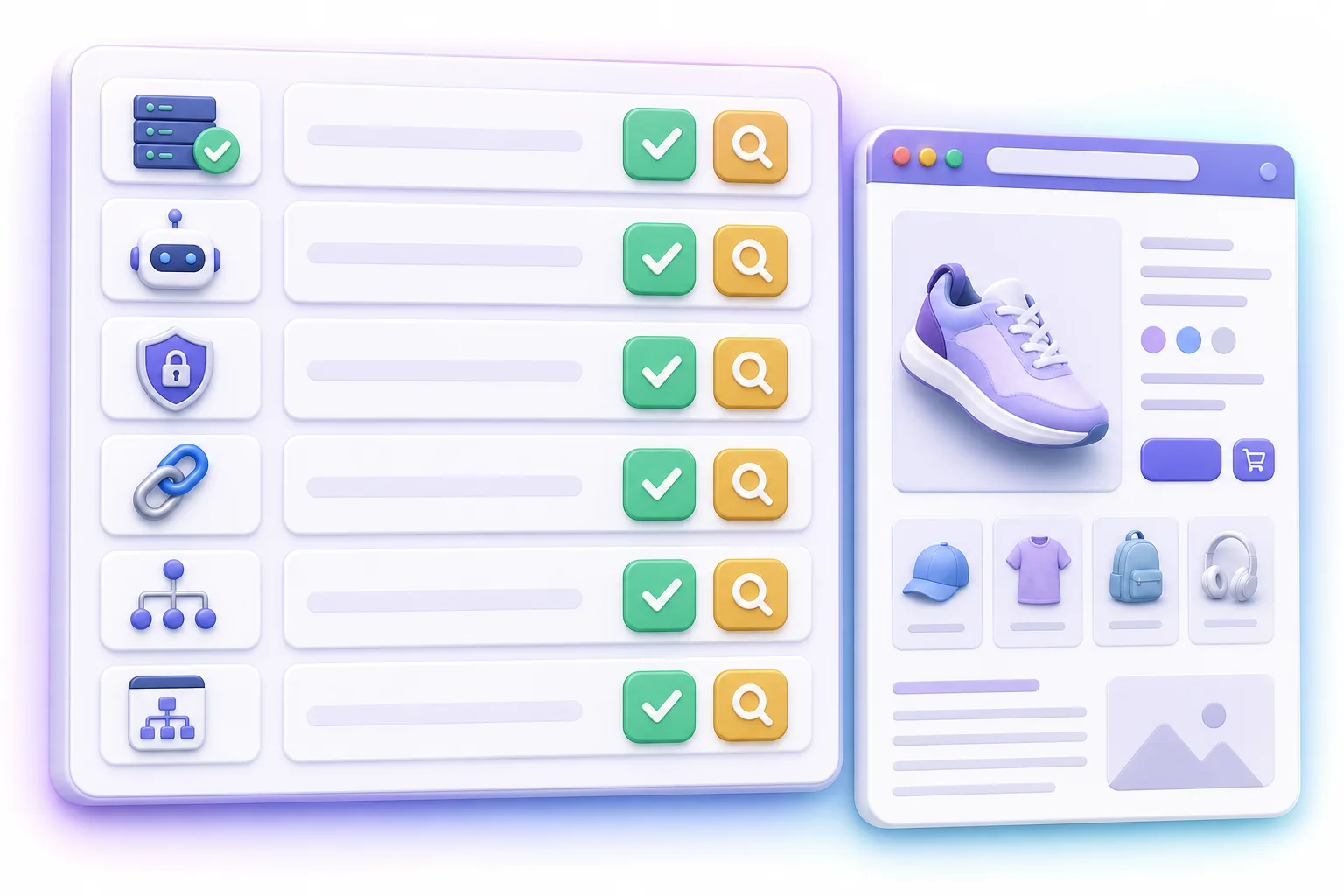
A repeatable Shopify URL audit
Run this audit on a sample from every important page type and URL pattern. A small, representative set is more useful than checking only the home page.
- Inventory the patterns. Capture direct product URLs, collection-context products, filter and sort combinations, variant links, pagination, onsite search, tracking parameters, language or market versions, and URLs introduced by apps.
- Check the response. Record the HTTP status, redirect destination, content type, and whether the final page matches the user’s request. Fix redirect chains and accidental soft-404 experiences.
- Check crawl controls. Test whether
robots.txtpermits the request. Then inspect robots meta tags orX-Robots-Tagheaders separately; they control indexing, not crawling. - Inspect the rendered canonical. Record the exact absolute target. Check for missing, relative, malformed, cross-domain, or duplicate canonical elements.
- Follow internal links. Find which version your navigation, collection cards, breadcrumbs, blog posts, and related-product components use. Repeated links to alternates can dilute an otherwise clear canonical preference.
- Compare the sitemap. The listed URL should be the preferred, indexable version that returns a successful response. Do not assume sitemap inclusion guarantees indexing.
- Validate with Search Console. URL Inspection can show whether Google selected a different canonical, whether crawling is allowed, and when Google last crawled a URL. Test several examples from a pattern rather than drawing conclusions from one product.
Document the intended rule beside the observed result. For example: “Filtered collection combinations remain crawlable for shoppers, canonicalize to the unfiltered collection, and are not linked from indexable editorial pages.” A written rule makes future theme and app reviews much faster.
Recheck after theme, app, and market changes
A theme update can change product-card links. A search or merchandising app can create new parameters. A market rollout can add language or regional URLs that require self-referencing canonicals and matching hreflang relationships. Treat URL behavior as part of release testing: compare a representative crawl before and after the change, then monitor Search Console for unexpected indexed URLs or canonical changes.
Avoid making several broad controls at once. If you simultaneously alter canonicals, robots rules, navigation, and redirects, it becomes difficult to identify which change caused a discovery or indexing problem. Make the smallest defensible change, validate it in a preview theme when possible, and confirm the live output afterward.
The goal is clarity, not fewer URLs at any cost
Filters, variants, collection context, and campaign parameters support real shopping journeys. Technical SEO should preserve those journeys while giving crawlers consistent signals about which pages matter. Start with crawlable navigation, map the URLs your store truly emits, and align canonical tags, internal links, redirects, and sitemap entries around one intentional model.
For a structured place to review store-level SEO issues, see the Firefly Sky SEO Suite. If you are setting it up for the first time, the SEO Suite quick-start guide explains the starting workflow. You can also return to Firefly Sky for the current product overview.